Sparki Box: run LLMs locally, no cloud, starting at $599
Sparki Box is a plug-in local AI appliance that runs 7B–70B parameter models on your own network. It ships pre-configured, supports AI agents and browser-based setup, and replaces fragile DIY stacks with a single box — private by design, no data leaves your premises.
Who it is for
- Agencies & client-facing teams — keep drafts and assets off shared model APIs when the SOW says “no training.”
- Startups & lean ops — ship an internal copilot without hiring a platform engineer first.
- Privacy-sensitive workflows — HR, legal, and healthcare-adjacent use cases where “we think it is private” is not enough.
Not sure appliance vs DIY vs Mac? Sparki vs Mac Mini M4 · Deploy private AI in 10 minutes · Use cases
Hardware Layer
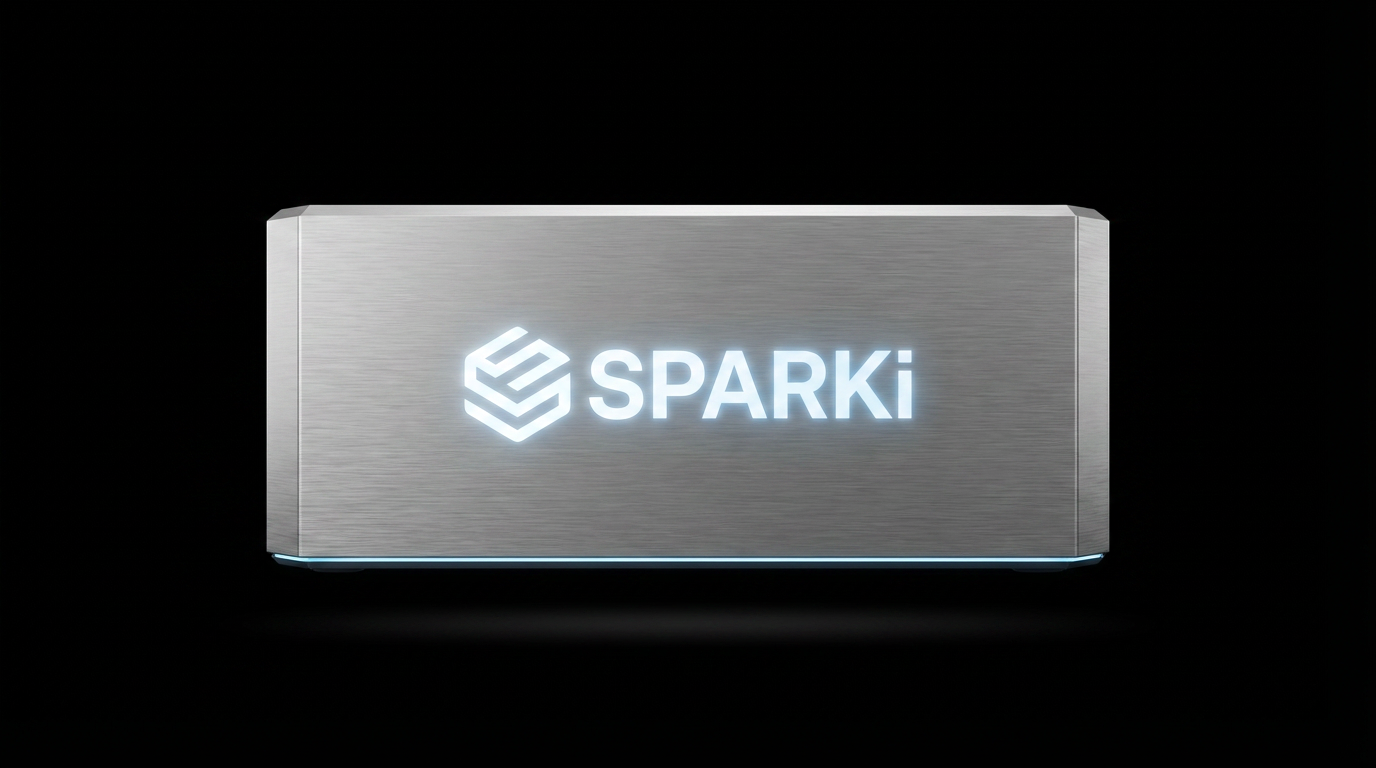
Sparki Box Mini is the entry AI box for teams — runs Llama, Qwen, and Mistral models locally at 3× faster inference than cloud APIs for models under 13B. Industry editions keep the same AI appliance platform while adding vertical positioning and workflow bundles.
Box Mini
In stock — presale $499 (MSRP $599)
Give non-technical teams a private AI agent and internal copilot on the LAN in minutes—without building a DIY server stack.
Intel N3700 · 8GB · 128GB
- Intel N3700 · 8GB RAM · 128GB storage
- Available now — ready to ship
- Remote walkthrough for setup & installation
- Software suite included at no extra cost
- 1-year warranty
Industry vertical editions
Purpose-built bundles for creators, connected homes, and e‑commerce growth — local AI with workflows tuned to how each industry actually ships. Coming soon; tell us which vertical you want first via Contact.
Box Creator
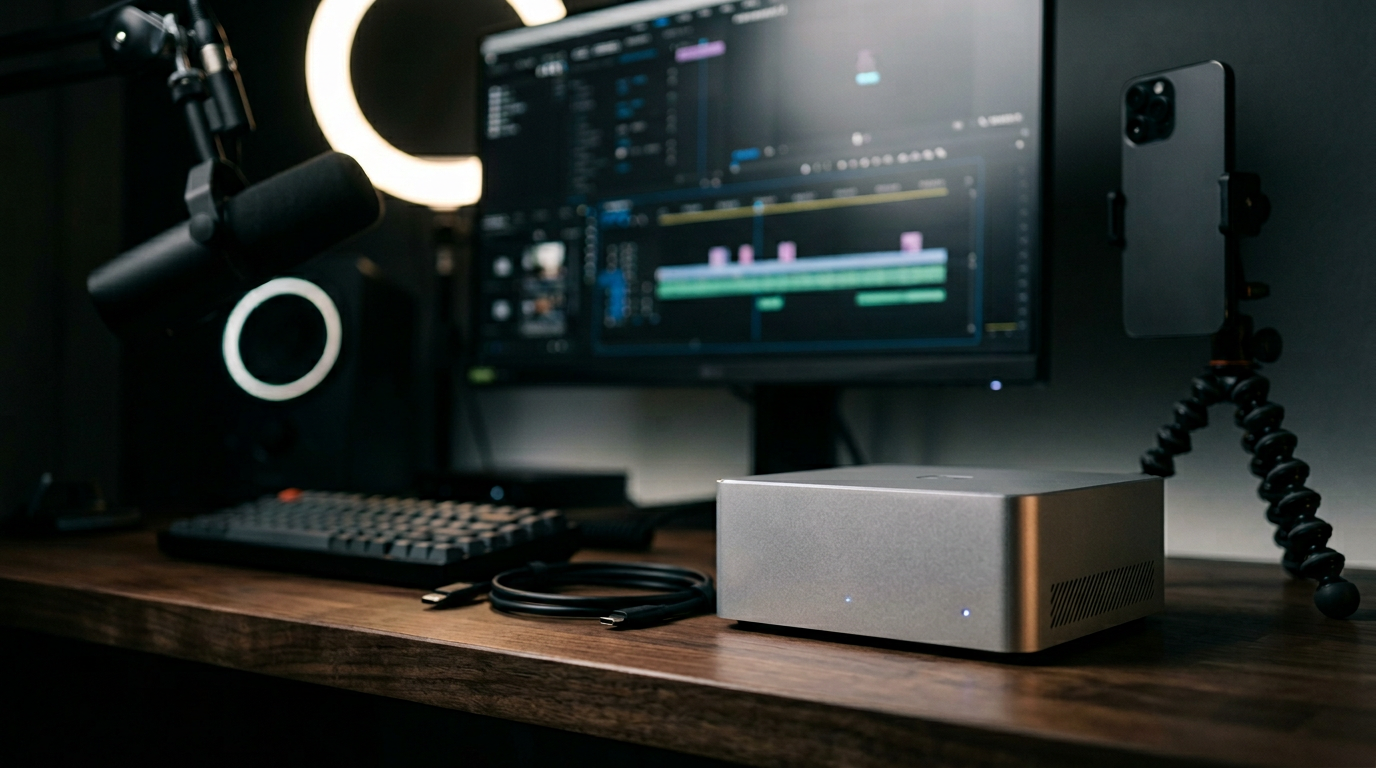
Creator & influencer edition
Keep scripts, captions, and drafts on your network while speeding up short-form and long-form production workflows.
Content workflows · optional custom finish
Pricing TBD · join the waitlist
- Preset pipelines for short-form and long-form content
- On-device scripts, captions & brand-voice assist
- Optional co-branding and influencer-tailored bundles
- Drafts and assets stay on your network by default
Box Wellness
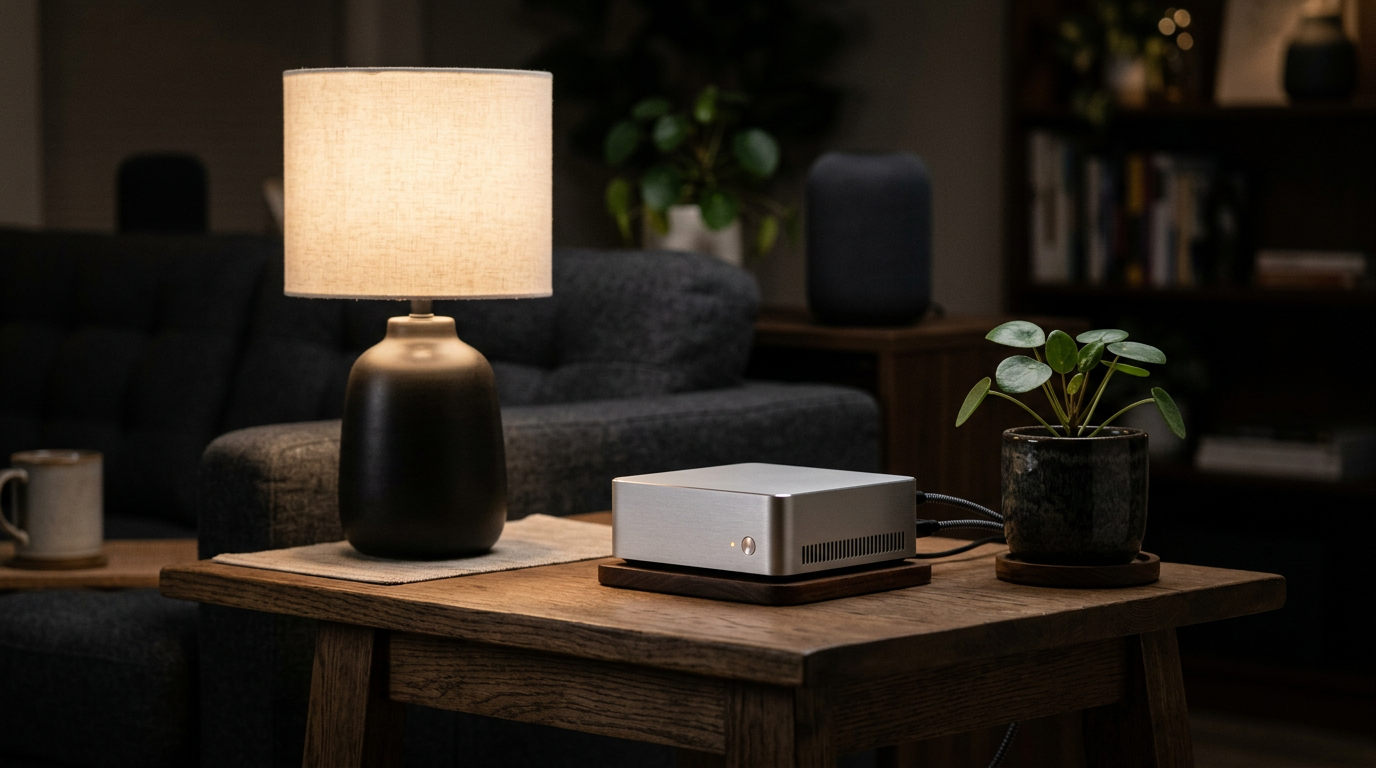
Health & smart home
Answer wellness and smart-home questions locally so household data does not become training fodder for a cloud API.
Wellness Q&A · home automation hooks
Pricing TBD · join the waitlist
- Local-first wellness and lifestyle Q&A — no cloud required
- Integrations for common smart home ecosystems (roadmap)
- Private by default for health and household data
- Runs fully on-prem for compliance-sensitive homes

Box Commerce
E‑commerce & performance marketing
Summarize campaigns, creatives, and store signals on-prem—so ad and customer data never crosses a third-party model boundary by default.
Ads · creatives · store analytics
Pricing TBD · join the waitlist
- Workflows for creative testing, ROAS insight, and campaign summaries
- Sensitive ad and store data stays off third-party model APIs
- On-prem reporting for multi-store and agency use cases
- Optional integrations with your existing e‑com stack (roadmap)
Compute Layer
Starter
Get started with AI
Lightweight token access when you want cloud models alongside local hardware (roadmap).
Token package coming soon
- Basic models
- API access
- Community support
Pro
Production ready
Higher-volume inference for teams that outgrow ad-hoc API keys (roadmap).
Token package coming soon
- All models
- Priority queue
- Email support
Team
Scale your team
Shared quotas, routing, and support for multi-seat teams (roadmap).
Token package coming soon
- Team sharing
- Analytics
- Dedicated support
Services Layer
Done-for-you Deployment
We handle the entire setup. Hardware installation, software configuration, and integration with your existing systems.
Turn “we bought hardware” into “it is live in production” without burning internal eng weeks.
From $2,500
Talk to usCustom Workflow Build
Bespoke AI automation designed for your specific business processes. From lead generation to content production.
Ship a repeatable agent workflow mapped to your CRM, docs, and approvals—not a one-off demo script.
From $5,000
Talk to usPrivate AI for Business
End-to-end private AI infrastructure. On-premise or private cloud with full data sovereignty.
Give compliance-heavy teams a governed private AI footprint with a vendor that can stay in the loop.
Enterprise pricing
Talk to usSparki vs a DIY local AI stack
DIY can win on flexibility. Sparki wins when your success metric is time-to-private-AI and who can operate it after launch day.
| Topic | DIY (Ollama / PC / NAS) | Sparki Box |
|---|---|---|
| Setup | You integrate OS, drivers, runtimes, updates, and access control. | Guided appliance setup—operators use a browser, not SSH. |
| Ownership | “It broke at 9pm—who is on call?” is usually you. | Product + support path; fewer knobs to misconfigure. |
| Best when | You have a strong builder who wants maximum control. | You need a team-safe default on the LAN this week. |
Model support & what we do not promise
Works well on Box-class hardware
- Open-weight instruct models in the Llama, Mistral, Phi, and Qwen families at smaller sizes and practical quantizations, so teams can run local LLMs on dedicated private AI hardware.
- Agent-style workflows where latency is “interactive,” not batch research.
- Hybrid setups: local default + explicit cloud for edge cases (your choice).
Not the right tool if you require…
- Comfortable on-device 30B+ dense models on an 8GB entry box—memory is the hard limit.
- Training / heavy fine-tuning at scale—this is an inference appliance posture, not a GPU lab.
- A guarantee that every frontier proprietary model runs locally—those are cloud SKUs by definition.
For a hardware-to-model-size sanity check, read Sparki vs Mac Mini M4.
Where teams deploy Sparki first
Agencies
Client work stays on your network: drafts, briefs, and campaign copy do not need to round-trip through a public API to be useful.
View scenarioStartups
Give every founder function a private copilot—without standing up a platform team before product–market fit.
View scenarioPrivacy-sensitive teams
Legal, HR, and healthcare-adjacent workflows where “good enough” privacy is not a defensible answer.
View scenarioCommon questions
What is local AI?
Local AI means running models on hardware you control instead of sending every prompt to a public AI API. For teams, that usually means lower data exposure, more control over deployment, and the ability to run AI agents on your own network.
What is private AI?
Private AI is a deployment approach where prompts, documents, and workflow context stay inside infrastructure you control by default. That can mean a self-hosted AI appliance, a private cloud, or a hybrid setup with explicit rules for when cloud models are allowed.
What is the Sparki Box?
Sparki Box is a dedicated AI appliance and local AI box for teams: you plug it into your network and run open-weight models and agents on your own hardware, without sending prompts to a third-party cloud by default. Box Mini (presale $499, MSRP $599) is the in-stock entry model.
What does Sparki replace for most teams?
It replaces the fragile DIY stack many teams cobble together—spare PCs, manual Ollama installs, ad-hoc updates, and “who owns this server?”—with one appliance, a guided setup, and a path to support. It is not a substitute for every cloud API when you truly need frontier models for every task.
Is Sparki self-hosted?
Yes. Sparki is designed as a self-hosted AI appliance that runs on your own network. It is meant to feel like a productized local AI deployment, not a pile of manual scripts on a spare machine.
Can Sparki run AI agents locally?
Yes. Sparki is built to run AI agents locally for internal copilots, document workflows, and team automations. The practical model size depends on hardware tier, but the product is specifically aimed at real AI box for teams workflows, not just sandbox demos.
Can I use Claude, GPT, or Gemini with Sparki?
Yes. Sparki works well as a local-by-default setup, and teams can still route selected tasks to Claude, GPT, or Gemini when they want frontier cloud models. That lets you run local LLMs by default while keeping a hybrid option available.
Who is Box Mini best for?
Non-technical and lean teams that need private AI in minutes: internal copilots, document workflows, and always-on automations where data should stay on your LAN. Power users who want to run larger local LLMs with maximum tokens per second may prefer higher-memory Macs or workstation hardware—see our Mac Mini comparison.
How large a model can Sparki Box Mini run?
Box Mini ships with 8GB RAM. In practice that means smaller instruct models and aggressively quantized weights are the sweet spot for responsive on-device inference. Larger checkpoints need more memory or a different tier of hardware; the appliance model is “right-sized private AI,” not “run the biggest possible checkpoint on one box.”
What are the limits of 8GB RAM for local LLMs?
You will feel context limits, quantization trade-offs, and slower performance before a 16GB+ or Apple unified-memory machine when you push model size. If your workload is mostly summarization, Q&A over internal docs, and agent glue—not training or huge-context research—you can still ship real value on 8GB with the right model choice.
Are cloud AI token plans available?
Sparki Compute (token packages) is on the roadmap as “coming soon.” Today the clearest path is Box Mini for local inference plus optional hybrid routing where you explicitly choose cloud for edge cases.
How quickly can we deploy?
Most teams validate the appliance on the network in under 10 minutes using the browser-based setup. Shipping and optional enterprise onboarding add calendar time, but the product goal is same-day value, not a multi-week internal project.
Why use Sparki instead of a Mac Mini?
A Mac Mini is a flexible general-purpose computer. Sparki is a private AI hardware product and local AI appliance built for guided setup, no-terminal deployment, and team-safe operations. If you want the quickest path to a local AI box for teams, Sparki is the more direct fit.
Who is Sparki for?
Sparki is for agencies, startups, operators, and privacy-sensitive teams that want private AI for business use without building a full internal platform layer first.
Is Sparki for teams or individuals?
Both, but the strongest fit is teams. Individuals can use Sparki for local workflows, while teams get the most value from a shared AI appliance, always-on internal access, and a controlled deployment model.
Is my data private?
Baseline use keeps prompts and documents on your network. Exact compliance posture still depends on your policies, network, and optional integrations, so treat Sparki as a major reduction in third-party exposure, not a magic checkbox for every regulation without review.