Private AI for enterprise teams.
On-prem. Adoption-first.
Sparki is your Dream Engine — a plug-in AI appliance that runs 7B–70B parameter models on your own network. Deploys in under an hour, ships pre-configured with Llama, Mistral, and Qwen. No data leaves your premises. Teams use it for internal AI agents, document workflows, and private-by-default AI. Starting at $599.For enterprise teams, Sparki includes guided onboarding and adoption governance—and, when relevant, follow-on financing support via Visionlist Venture.
Sparki is a private AI appliance for teams that want local deployment without DIY setup
Sparki Box is purpose-built hardware with guided browser setup. In plain English: it is a local AI box that helps a team run private LLM workflows, internal copilots, and always-on agents on its own network without turning “self-hosted AI” into a weekend infrastructure project.For enterprise teams, Sparki also supports adoption governance, stakeholder-ready rollout, and (when relevant) alignment with follow-on financing narratives via Visionlist Venture.
Read the product overviewTeams that need private AI this week—not a science fair
- Agencies & client services — keep briefs, drafts, and deliverables off third-party model APIs by default.
- Startups & operators — ship an internal AI copilot without hiring a platform team first.
- Privacy-sensitive teams — legal, HR, healthcare-adjacent, and other workflows where “probably private” is not a real policy.
- Enterprise operations & leadership— deploy private AI with adoption checkpoints, then align the investment story to what you've shipped (via Visionlist Venture when relevant).
Cloud AI
Cloud AI is fast to try, but harder to control once a team is using real files and customer data. Retention rules, training exclusions, data residency questions, and shadow IT all show up later. Sparki is for organizations that want local-by-default AI with hybrid cloud only where they explicitly choose it.
Mac Mini / DIY server
A Mac Mini or DIY server can run local models, but someone still has to own setup, updates, scripts, and reliability. Sparki is for teams that want a private AI appliance with faster deployment for people who will never SSH.
Sparki vs Mac Mini M4What teams actually ship on Sparki
Private document Q&A
Answer questions over contracts, SOPs, and internal docs without uploading the source files to a vendor cloud.
Open scenarioInternal AI copilots
Give sales, support, and ops a shared assistant on your own network instead of five shadow ChatGPT tabs.
Open scenarioAlways-on AI agents
Run scheduled workflows and monitors on dedicated hardware instead of relying on a sleeping laptop.
Open scenarioClient-safe draft workflows
Move faster in agencies and service teams with a clearer story for privacy reviews, procurement, and MSAs.
Open scenarioYour AI. Running locally.
Always on.
Why teams pick Sparki
over DIY or cloud-only.
Plug-in deployment in under 10 minutes, local inference at under 15W, and 60–80% lower cloud API spend with hybrid routing. Here is how Sparki compares to a Mac Mini or GPU workstation for team AI.
Deploy in under 10 minutes
No terminal, no model installation, no config files. Plug in power and ethernet, scan a QR code, pick a model, start using it. Compare that to 30-120 minutes for a manual Ollama + Homebrew + model-pull setup on a Mac Mini.
Keep prompts off public cloud
Local inference means prompts and documents stay on your own network. For teams handling client data, legal drafts, or internal knowledge, that is a meaningfully different privacy baseline than sending everything to a third-party API.
Always-on at under 15W
Sparki Box draws less than 15W at load. That is roughly $13/year in electricity at typical US rates — versus a Mac Mini at 30-45W, or a GPU workstation at 300-500W. Always-on local AI is cheaper to run than most teams assume.
Multi-agent workflows out of the box
Built for running AI agents on your network from day one, not as an afterthought. Teams use it for internal copilots, document workflows, and private-by-default automation without assembling a custom stack.
Hybrid: local default, cloud on demand
Route to OpenAI, Anthropic, or Google only when a specific task clearly benefits. Local AI handles the recurring base load; frontier models handle the exceptions. Most teams find this reduces cloud API spend by 60-80%.
SOC 2 compliance pathway available
Purpose-built for teams that need a credible path to private AI deployment with compliance documentation. Unlike a DIY Mac Mini setup, Sparki ships with a productized support model and audit-ready configuration records.
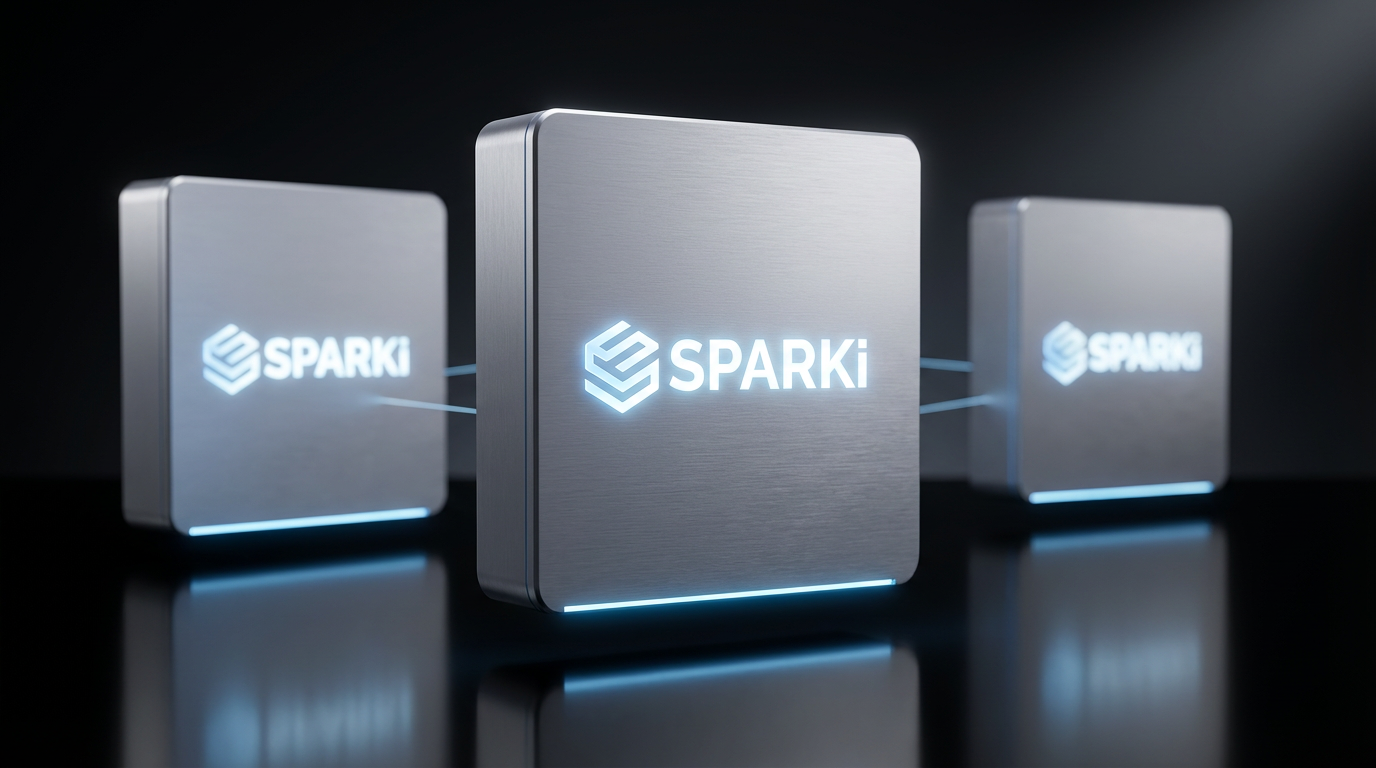
Live in 5 minutes.
No terminal required.
We built Sparki so anyone can deploy private AI — not just engineers.
Plug in & power on
Connect Sparki Box to your network with the included ethernet cable. Power on — that's it.
Scan the QR code
A QR code appears on the status LED. Scan it with your phone to open the setup dashboard.
Connect your AI models
Add your API keys (Claude, GPT, Gemini) or run local models completely free. Switch models in one click.
Start deploying agents
Your private AI is live. Automate workflows, manage emails, and run agents 24/7.
Sparki vs Cloud VPS vs Mac Mini: which is better for private AI?
For teams that want local AI deployment without DIY setup, Sparki is usually the simpler option: $499 one-time (vs $40+/month cloud or $800+ Mac Mini), browser-based setup in under 10 minutes, and a clearer path to private AI for business than stitching together a Mac Mini or rented cloud server.
* Partial = possible but usually requires extra setup, extra subscriptions, or more manual maintenance
Trusted by builders worldwide.
Setup was ridiculously easy. Plugged it in and had my private AI assistant running in under 5 minutes. No terminal, no config files.
Erik L.
Software Engineer · Sweden
Finally an AI assistant that doesn't send my data to big tech. The privacy-first approach is exactly what I needed for my consulting work.
Thomas D.
IT Consultant · Germany
The agent automation is incredible. It handles routine tasks while I sleep. The ROI was obvious within the first week.
Ian M.
Startup Founder · UK
We've cut our cloud AI spend by 60% running local models on Sparki Box. Enterprise-grade privacy with zero monthly subscriptions.
Sarah K.
CTO · San Francisco
500+
Deployments
30-day
Money-back guarantee
5 min
Setup time
99.9%
Uptime
Private AI questions teams actually ask
What is local AI?
Local AI means running models and automations on hardware your team controls instead of sending every request to a public AI API. In practice, that means lower data exposure, more control over deployment, and a better fit for teams that want AI agents on their own network.
What is private AI?
Private AI is an operating model where prompts, documents, and workflow context stay inside infrastructure you control by default. For most teams, that means using a self-hosted AI appliance, a private cloud, or a hybrid setup with explicit routing rules instead of a cloud-only default.
Is Sparki self-hosted?
Yes. Sparki is designed as a self-hosted AI appliance that lives on your network. You plug it in, configure it from the browser, and keep local AI for teams inside your own environment without building a DIY server stack from scratch.
Can Sparki run AI agents locally?
Yes. Sparki is built for AI agents on your network, including internal copilots, document workflows, and task automations that should run locally by default. Exact throughput depends on model choice and hardware tier, but the product is designed around practical local AI workflows, not just one-off demos.
Can I use Claude, GPT, or Gemini with Sparki?
Yes, in a hybrid setup. Sparki is strongest as a private local AI default, but teams can still route selected tasks to Claude, GPT, or Gemini when they specifically need frontier cloud models. That lets you keep sensitive or repetitive work local while reserving cloud spend for edge cases.
Why use Sparki instead of a Mac Mini?
A Mac Mini is a flexible general-purpose computer. Sparki is a purpose-built local AI box for teams that want a no-terminal AI deployment, guided setup, and a cleaner private AI hardware footprint. If your goal is appliance-style rollout rather than DIY tuning, Sparki is the more direct fit.
Who is Sparki for?
Sparki is for agencies, startups, operators, and privacy-sensitive businesses that want private AI for business use without hiring a platform team first. It is especially useful when you need local LLMs for teams, shared internal copilots, or client-facing workflows that should stay off public tools.
Is Sparki for teams or individuals?
Both, but the strongest fit is teams. Individuals can use Sparki to run local LLMs and private workflows at home or in a studio, while teams benefit most from the shared, always-on, self-hosted AI appliance model and the ability to keep work on a single controlled network.
Ready to deploy your
AI workforce?
Join creators, founders, and enterprises building the future with Sparki. For enterprise teams, we also provide guided deployment, adoption governance, and (when relevant) follow-on financing support via Visionlist Venture.